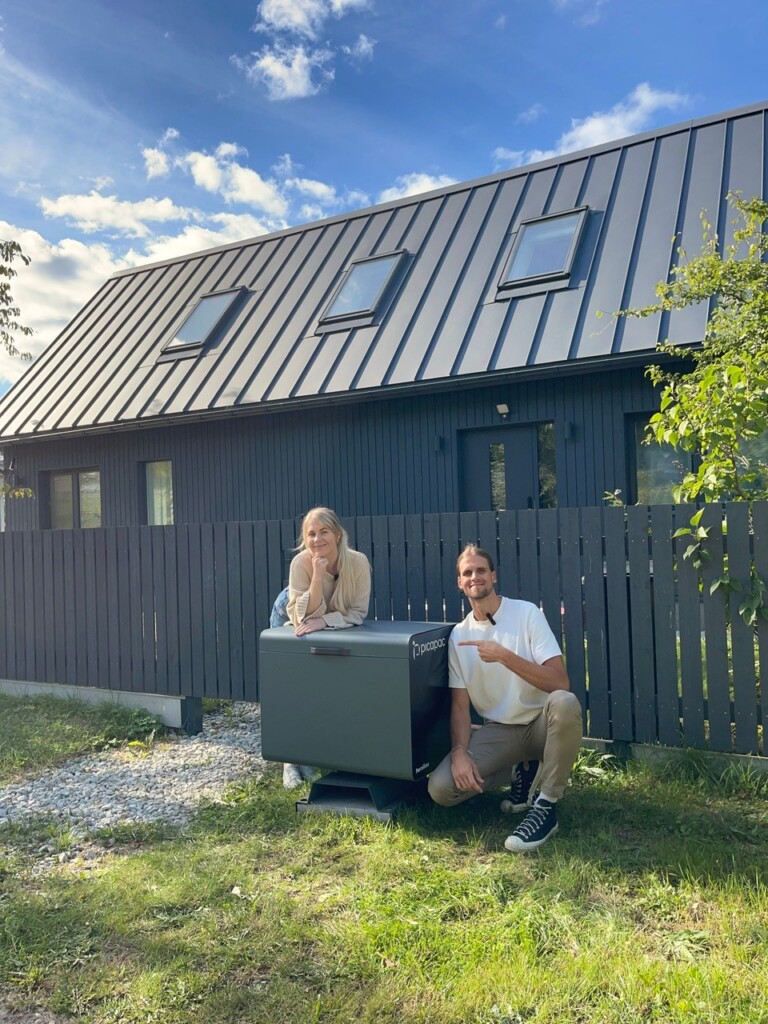
Picapac has launched a new feature that allows community members and Picapac customers to send pre-registered shipments directly from a parcel locker.Previously, only parcels registered via the "Picapac" delivery option in My Omniva could be sent. Now, you can also send packages from Yaga or Osta.ee via the kiosk, even if you haven’t created the package codes yourself.
Please note! You can only send packages from the parcel locker if their dimensions comply with Omniva’s size requirements. Since the community locker does not have an L compartment, it is not possible to send L-sized packages from the locker. When you drop off a package, the Picapaci system compares the package’s dimensions with Omniva’s system and then opens the appropriate compartment for you.
When sending a package, it must include an address label or a handwritten package code (preferably along with the recipient’s and sender’s phone numbers)
How do I transfer a community/shared Picapaci package?
- Go to the parcel locker and scan the QR code on the machine.

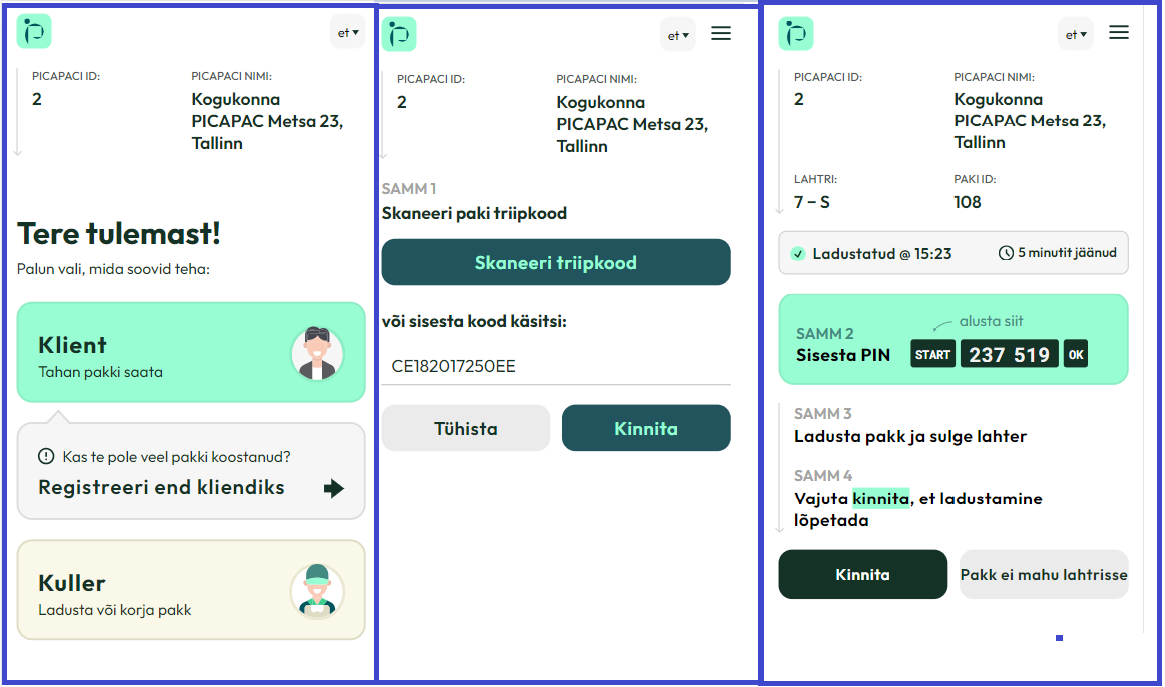
- On the page that opens, select “customer”
- Scan the address label on the package or enter the tracking number manually
- On the page that opens, you will see a PIN code. Enter the PIN code on the keypad of the machine, starting with Start from the button and ending with OK button. (On the Picapac, the Start button is replaced by * and the OK button by #)

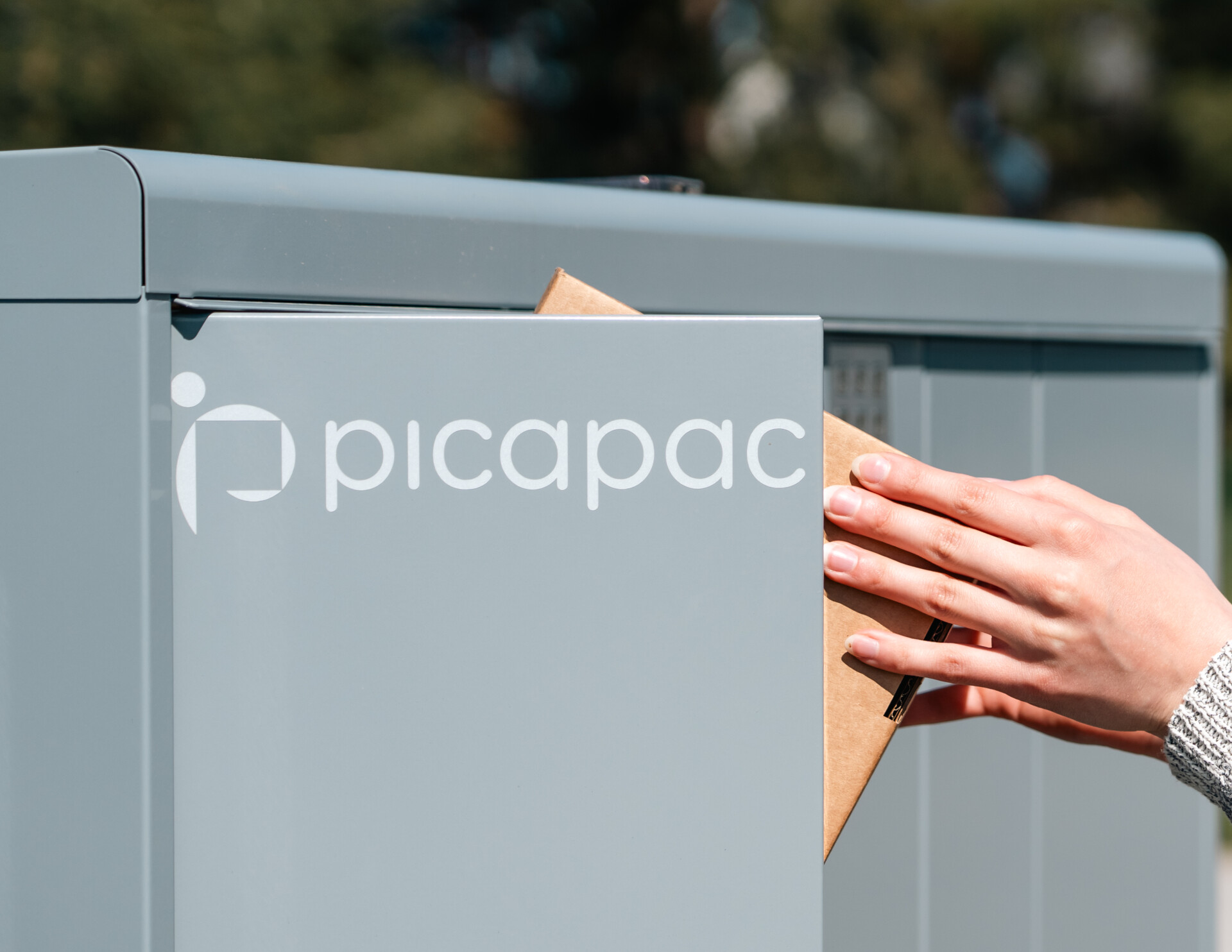
- Place the package in the open compartment and close the compartment. Note: Maximum one package per compartment
- The package has been shipped! (You can track the package in the Omniva system once the courier has picked it up)