
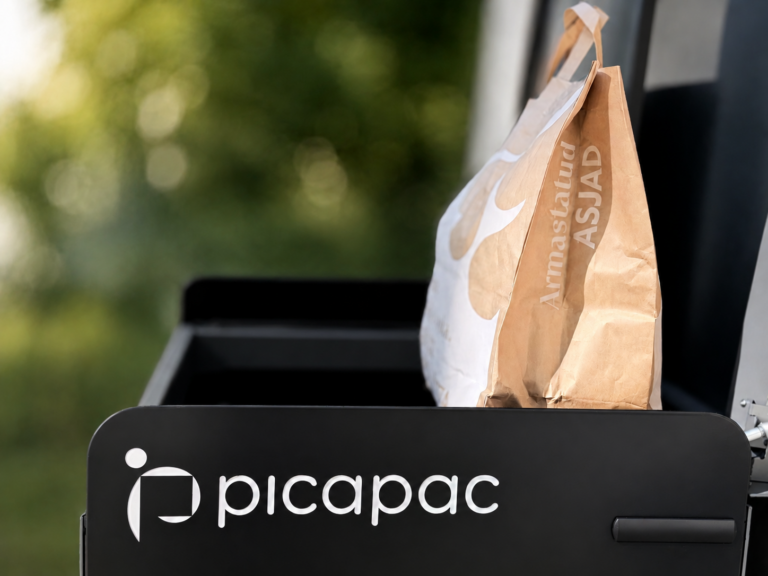
Picapac and the Reuse Center began collaborating
Do you have clothes, books, toys, or other items in good condition at home that you no longer use? Now you can conveniently donate them for reuse right from your doorstep.
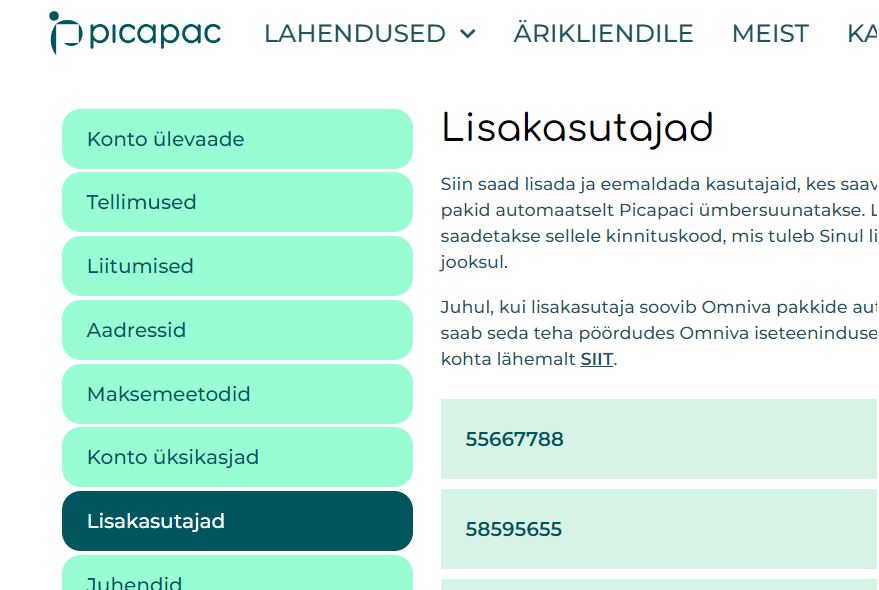
The long-awaited solution is now available – In the Picapaci self-service portal, you can now manage and add additional users yourself!
All you need to do is log in to your personal account on the Picapaci website and look for the “Additional Users” section in the self-service area.
P.S. If you're already a customer, additional users will be automatically added to the self-service portal!
In addition to your own number, you can add up to 5 additional users (for a total of 5+1):


Do you have clothes, books, toys, or other items in good condition at home that you no longer use? Now you can conveniently donate them for reuse right from your doorstep.
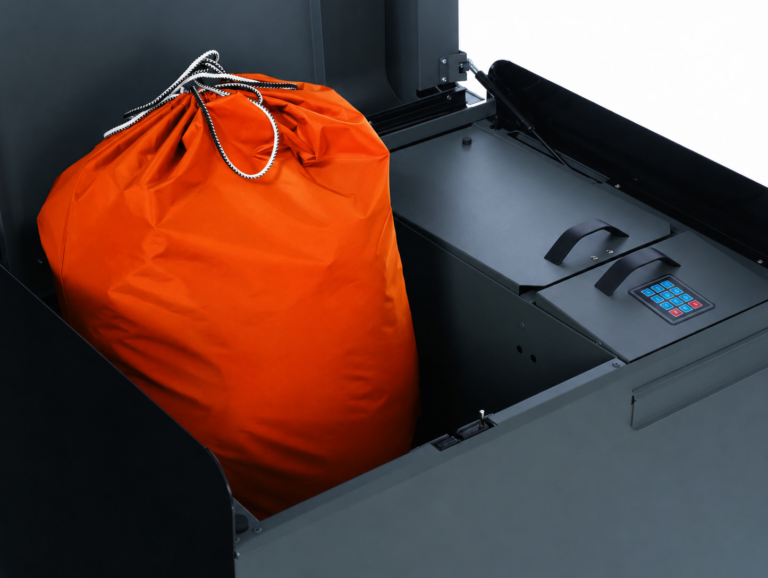
Clean laundry without the hassle – affordable laundry and dry cleaning with Picapaci. With the Picapac laundry service, you can drop off your dirty laundry at a personal package locker—and your clean laundry will be
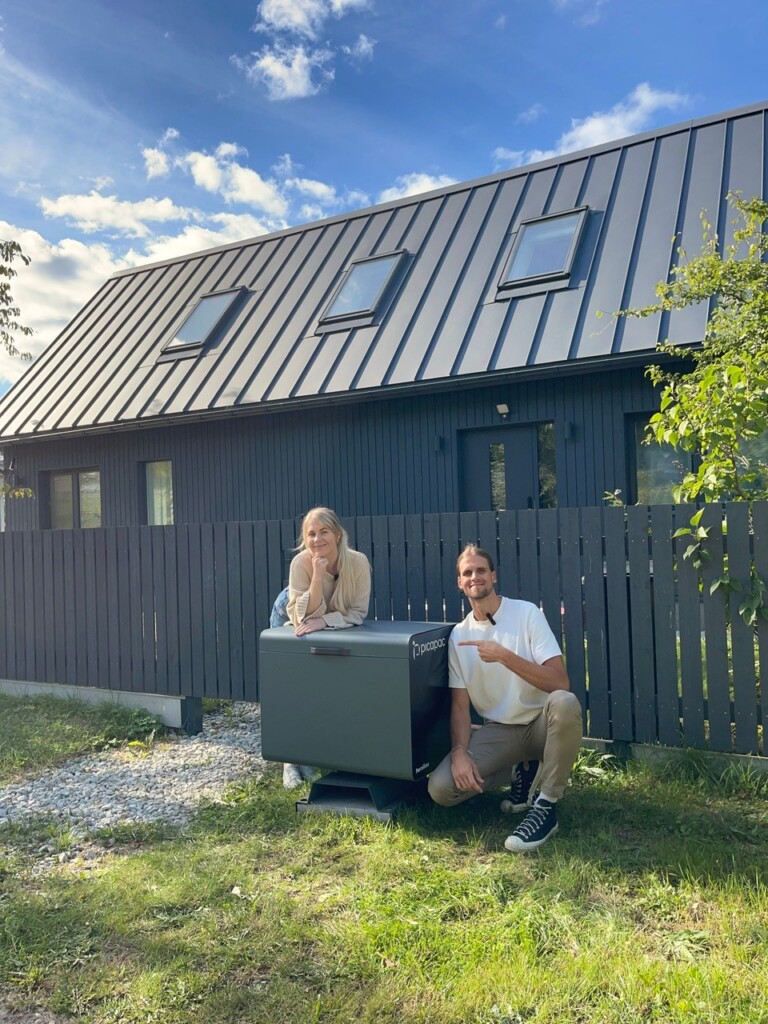
Have you ever dreamed of having all your packages delivered safely right to your doorstep, without any extra trips? Kristjan and Marleen share their experience with Picapac, which has made their daily lives easier. Read more about how one smart parcel locker can change your life!
Sign up for our newsletter and get the chance to try out a Picapac personal parcel locker for 3 months!
To do so, fill out the form below and we'll email you a discount code!