In partnership with Omniva, we are offering starting October 26October 26, 2023 the option to send packages at the Omniva parcel locker service rate!
You can use the My Omniva portal to send a package. Read on for step-by-step instructions on how to send a package.
Instructions for sending a package:
1. Log in to the My Omniva portal . Ifyou don’t have a My Omniva account, please register. When you add your phone number, the system will automatically detect that you have a Picapac machine.
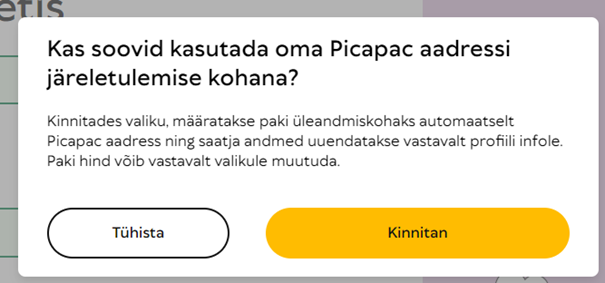
2.When you log in on the homepage, Omniva will ask if you want your Picapac address to be used as the delivery address. Please click “Confirm.”

3.It will nowdisplay your personal Picapaci address as the delivery location for your package.
If you don't see the Picapaci options, your number isn't linked to Picapaci in the Omniva system. Please contact our customer service at klienditeenindus@picapac.ee
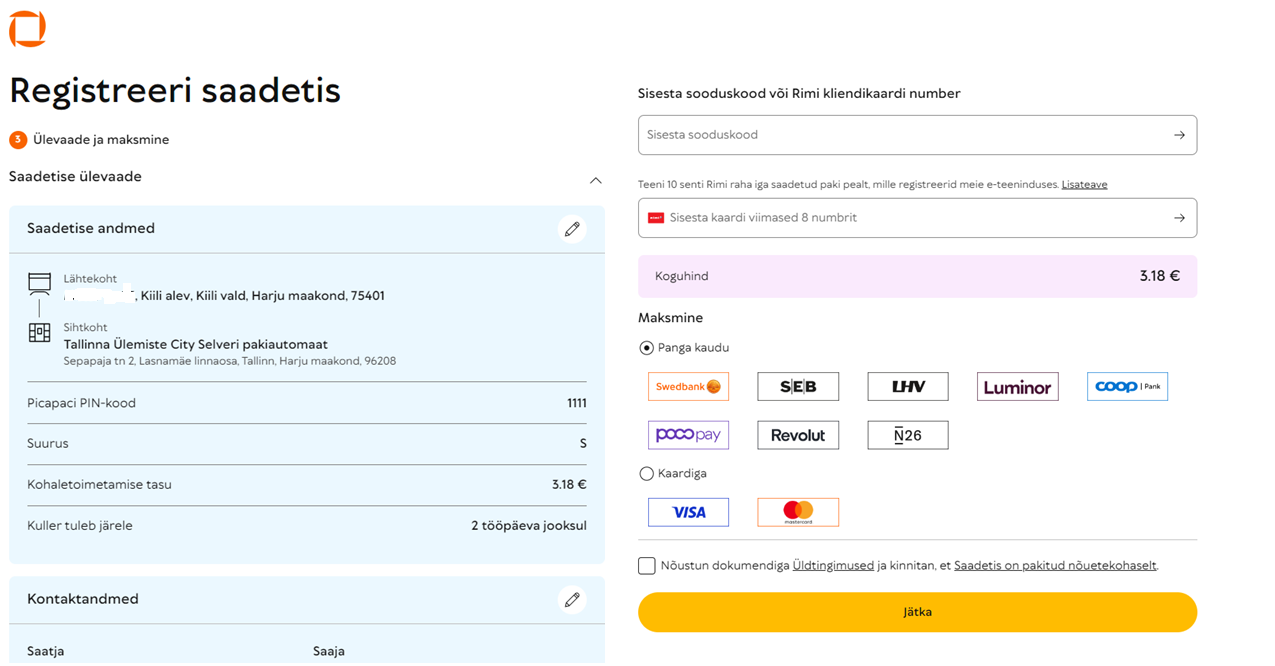
4. In the Picapac PIN field, enter the 4-digit PIN you use to send packages via Picapac. Note: Do not use your personal package pickup code; instead, generate a new one for sending.
You can find instructions on how to set up a PIN code for the courier at a Picapac kiosk here – How to use the shipping function at a Picapac parcel locker chapter.

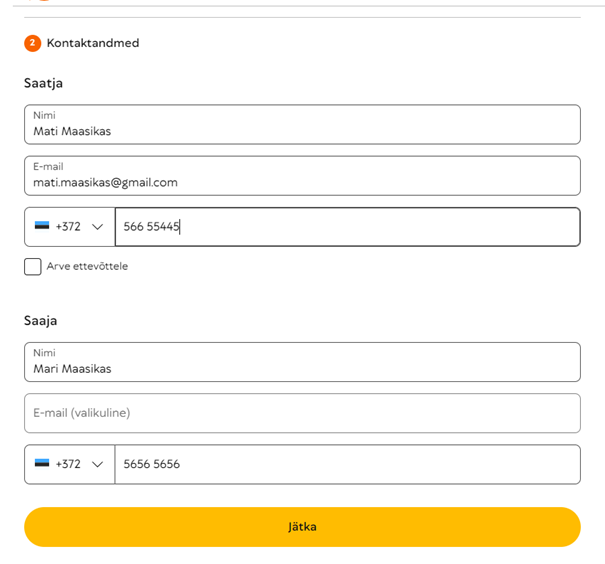
5. Enterthe required information and complete the package registration.

6. Before paying for shipping, you will see the package details. If everything is correct, proceed to pay for the package.

7. Print out the shipping label and attach it to the package. If you don’t have a printer, don’t worry! Just write the sender’s and recipient’s phone numbers and the tracking number on the package—the courier will attach the shipping label for you 🙂
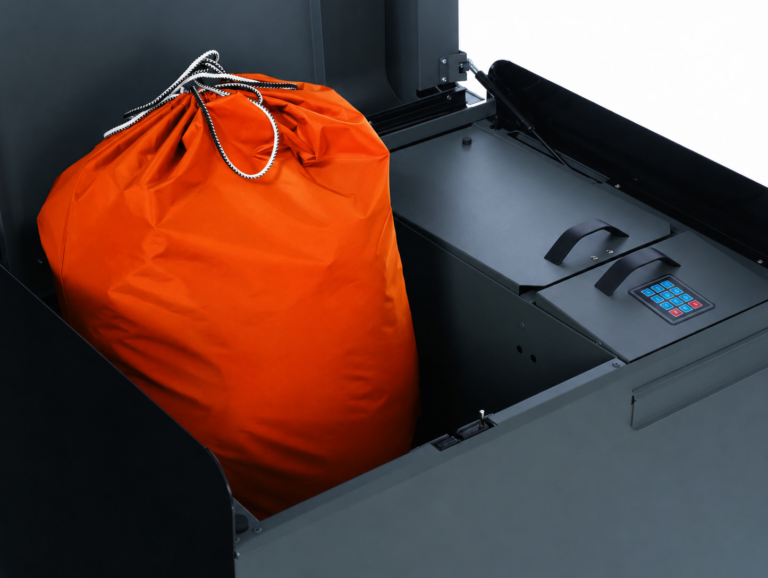
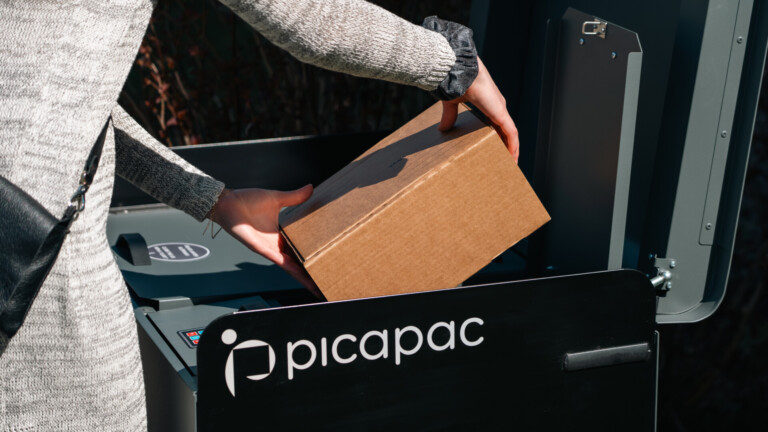
Place the package you are sending in the appropriate Picapac compartment along with the PIN code you used when registering the package (PIN generation: How to use the shipping function at a Picapac parcel terminal). A courier will pick up the package within two business days.
Here are some important points to keep in mind when sending a package:
- Currently, packages can only be sent within the Baltic States. To send packages outside the Baltic States, you must use the courier shipping option.
- When sending a package, please ensure that it fits in the Picapac compartment. If the package does not fit in the Picapac compartment, you must arrange for a courier pickup.
- Do not combine packages from different service providers in a single field.
- Sending a package via the parcel locker service is only available through Omniva; for other service providers, you must use the standard home pickup service.
- When sending a package, you cannot select a time slot for the courier to pick it up. If the package is urgent, we recommend scheduling a standard courier pickup.