This guide contains information on how to use the Picapac parcel locker: how to have parcels delivered to your home, how to change your PIN, and how to send parcels.
HOW TO USE A PARCEL LOCKER
Using the Picapac parcel locker is incredibly easy. Here are the main things to keep in mind: use a courier service for home delivery—it doesn’t matter which one you choose—because all couriers can drop off packages at the parcel locker, since the compartments are open and empty!
P.S. In partnership with Omniva, Picapac offers the option to have all packages ordered from the online store delivered to your home at the price of the parcel locker service. This is automatically included in Picapac’s standard package or can be purchased as an add-on service.
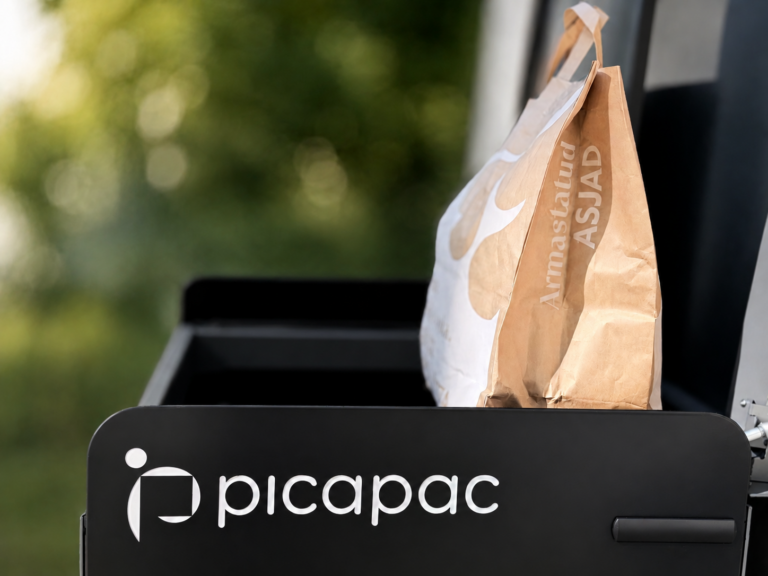
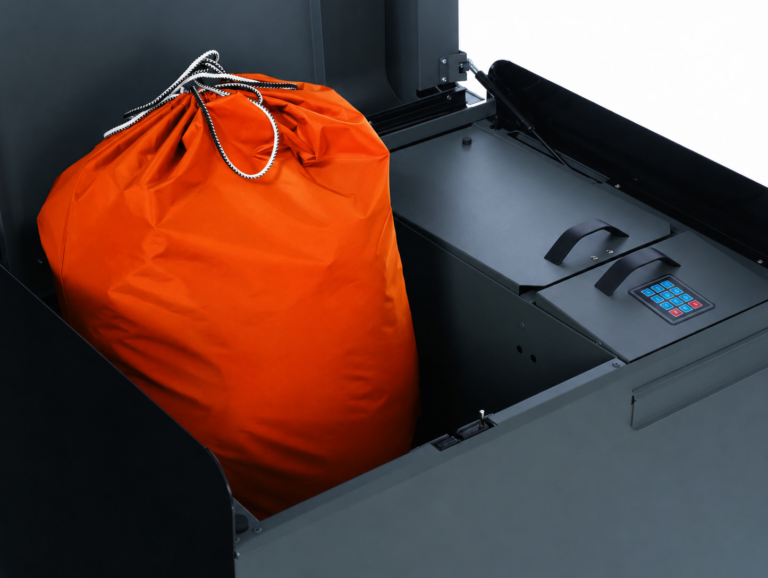
The parcel locker is an open-access system, meaning all three compartments are accessible when they are empty. As mentioned, anyone can access them—including, for example, a friend of the customer who wants to return a borrowed item, or a neighbor who wants to leave some tasty treats as a surprise!
- Shop at any online store. If a friend or acquaintance is picking up the package for you, skip to step 3.
- When ordering a package for home delivery, select the Omniva parcel locker delivery option. To do this, choose “1st preference/Picapac parcel locker”from the list of parcel lockers, and your package will be sent to your personal parcel locker based on your phone number at
.
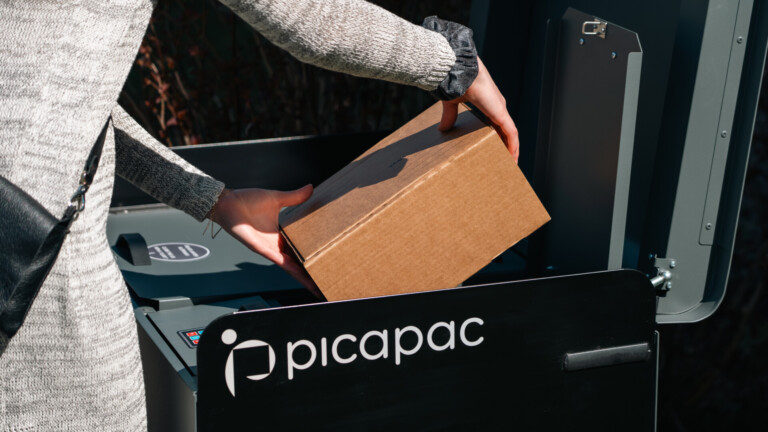
- The courier will place the package in the parcel locker, and you will receive a notification. In some cases, the courier may call you and ask for instructions on how to use the parcel locker: ask them to open the lid, then select the appropriate compartment, place the package in the empty compartment, and lock the compartment with a click. The “click” triggers an SMS notification and locks the compartment, so this is an important step for the courier!
- Open the parcel locker and retrieve your package. You can unlock a locked compartment using your PIN or via SMS. Leave the compartment in the “open” position so that couriers can add subsequent packages to it!
PAKIAUTOMAAT NUMBER AND MESSAGE COMMANDS
The parcel locker number is the number from which the user receives a message when a package has been placed in the locker. By sending an SMS to that same number, you can unlock the parcel locker remotely and reset the PIN code.
The content and meaning of the message:
“Open”= Opens all locks on the locked compartment of the delivery van. For the compartments to open, the top lid of the cargo compartment must be open. If the top lid of the cargo compartment is closed at the time the message is sent, the locks will open the next time the cargo compartment is opened.
“Reset parcel locker PIN codes”= Restarting the parcel locker, which means all codes will be deleted. The shipping codes will no longer be available, and the default PIN will be 0000.
CHANGING AND RESETTING YOUR PIN
The default PIN is 0000, but change it as soon as possible so that no one can access your accounts by guessing the PIN!
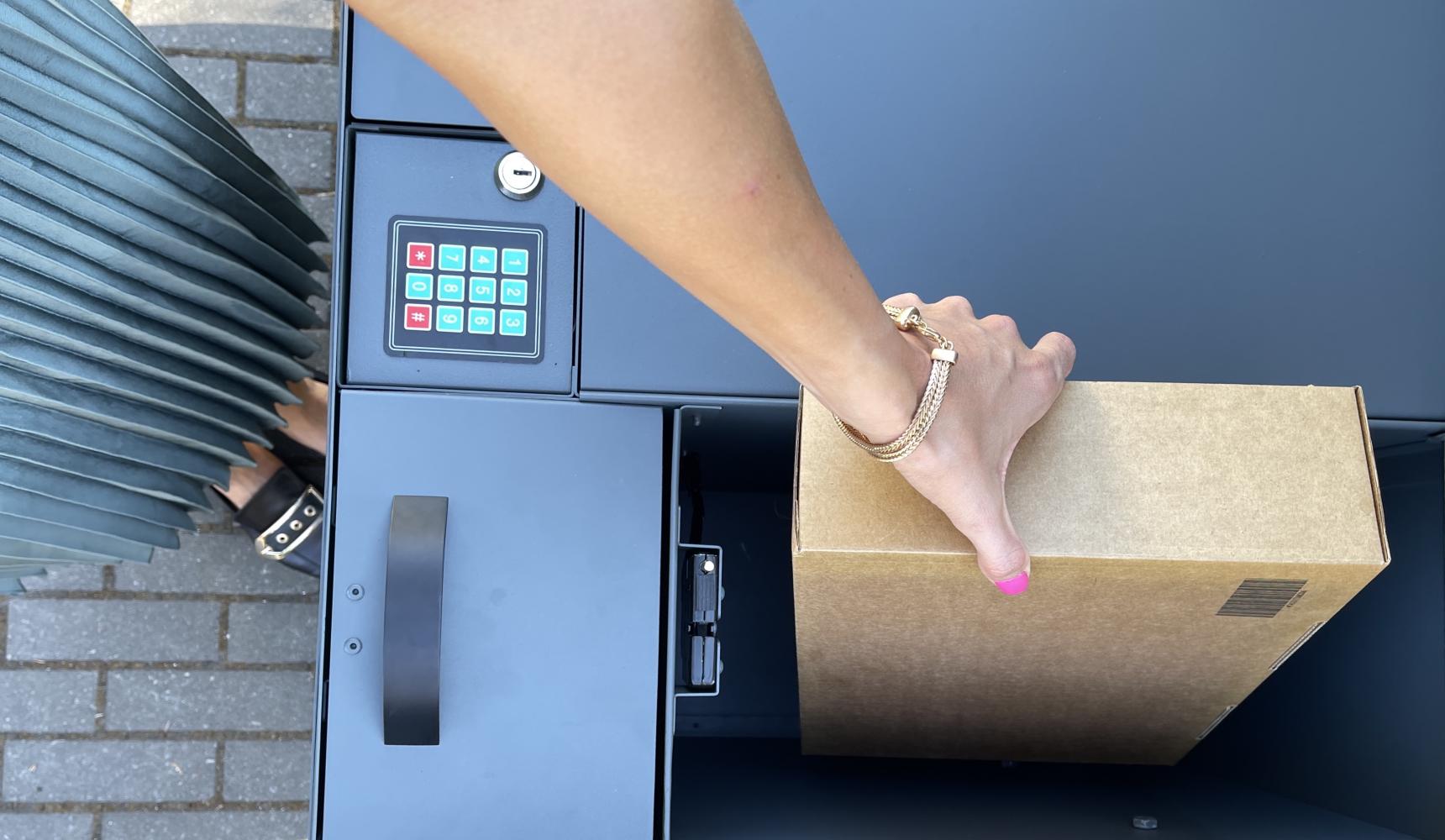
- Press “#” on the PIN pad and enter a valid PIN code (after installation, a controller replacement, or a restart, the default code is 0000).
- After three short beeps, enter a new 4-digit PIN.
- The locker will then beep once more, and your PIN will have been changed.
Sending a text message with the word “Pin” from the recipient’s phone to the parcel locker will reset the locker’s PIN code to its default setting, which is 0000.
OPENING THE CELLS
When you enter the 4-digit unique PIN, the fields will open automatically. This way, anyone who knows the PIN can access the fields.
OPENING THE COMPARTMENTS OF A REMOTE PACKAGE LOCKER
Sending a text message with the word “Open” from the owner’s phone to the parcel locker will unlock all the locks on the locker. Remote unlocking can only be performed from the owner’s phone. The owner’s phone number is stored in the software to ensure secure parcel delivery. For the compartments to open, the top cover of the parcel locker must be open. If the top cover is closed when the message is sent, the locks will open the next time the parcel locker is opened. The message is stored for at least 2 days.
NOTIFICATION VIA MESSAGE
When a courier or another delivery person delivers a package, the locker locks and the recipient is immediately notified via text message. The message also includes information about the size of the locker containing the package (XS, M, or L). Example message: “L. Delivery.”
BATTERY LIFE
With average use, the battery lasts at least a year. The Picapac service fee includes an annual battery replacement, so users don’t have to worry about it. We monitor the battery remotely and replace it immediately when it runs out.
SHIPPING PACKAGES
As an additional service, you can also send packages via a Picapac parcel locker, even if you’re not at home (this service is automatically included in the standard package). To do this, you need to have a courier come to your home and enter your code into the parcel locker’s compartment, which the courier or a friend can then use to retrieve the package. You can enter a separate code for a specific compartment as follows:
- Press the star key on the PIN pad, and the smart mailbox will beep twice.
- Enter the same 4-digit code that you provided to the courier company.
- Now the parcel locker beeps three times.
- Select the appropriate compartment for the package, place the package inside the compartment, and lock the compartment.
- You will also receive a confirmation message indicating that the process was successful (example message: “Sending parcel from box: L. PIN code: 1111”).
The courier can then use that same code to open the locker and deliver the package to its destination. You’ll receive one final text message once the courier has entered the 4-digit PIN code (example message: “Courier has taken parcel from locker: L”).
The PIN code assigned to a cell remains in effect until a new PIN code is set for that cell, the master code is changed, or the system is reset. All cell codes, as well as the master code, can be changed:
From the PIN pad
1. By pressing “#”
2. Enter a valid general code
3. Enter a new or the same old general code.
4. Now the code has been cleared from all fields, and the last code you entered is the default.
WITH A MESSAGE
Sending a text message with the word “Pin” from the owner’s phone will reset the parcel locker’s PIN code to its default setting, which is 0000.
TECHNICAL SUPPORT
If you encounter a technical issue with a parcel locker, please call our 24/7 technical support hotline at 6889988 oremail klienditeenindus@picapac.ee. Theycan assist you over the phone and, if necessary, dispatch a service team.