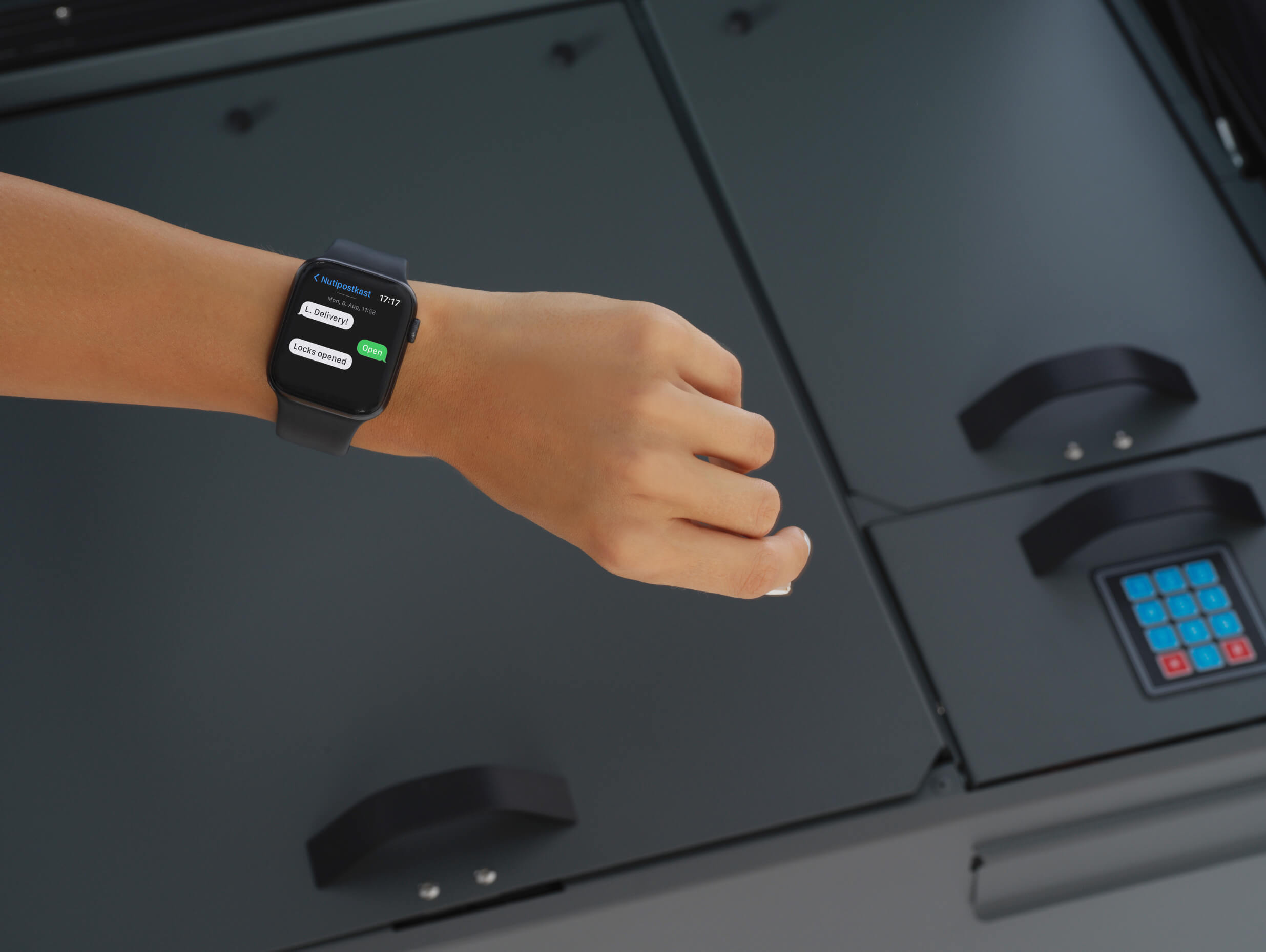
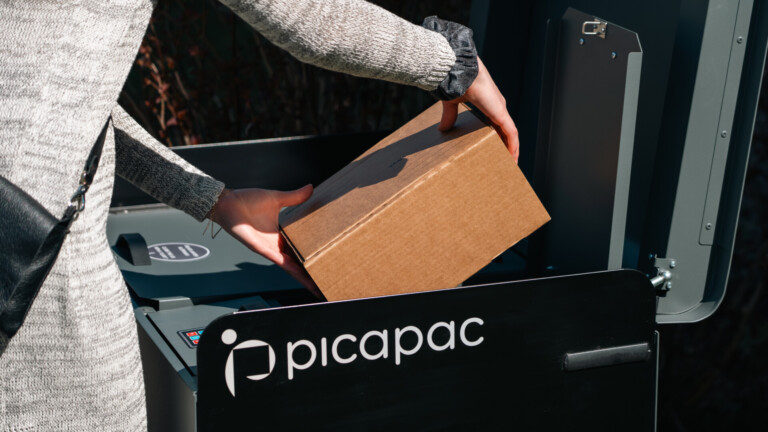
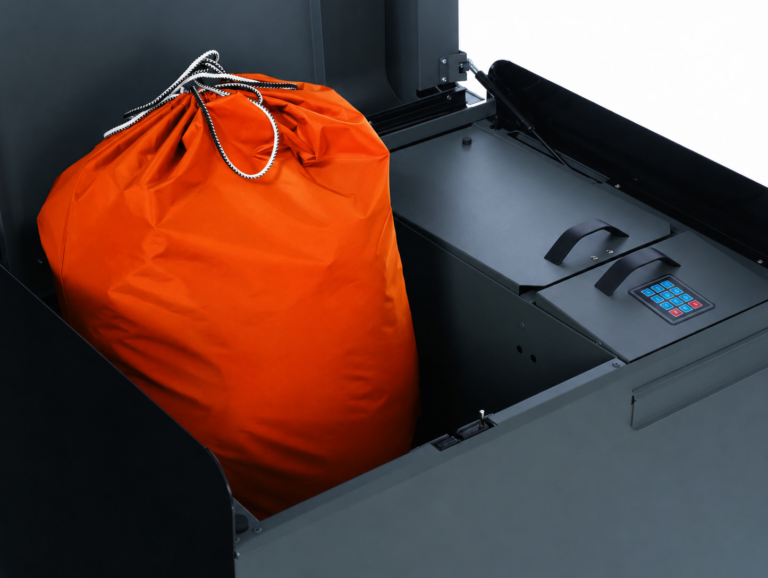
In partnership with Omniva, in addition to courier shipments, shipments via the Omniva parcel locker service will also be available at the Picapac home parcel locker.
Here are the steps you need to take:
1. Make sureyour phone number is linked to the Omniva system. When you send your phone number to Picapaci customer service, they will forward it to Omniva, which will add it to their system. A single Picapaci account can have up to 5 additional users.
2. When making a purchase in the online store, select “1st preference/Picapac parcel locker” from the list of Omniva parcel lockers. If this option is not available in the online store, select the parcel locker nearest to you; once the package arrives at Omniva, it will be automatically routed to your home parcel locker.
Please note! If the Omniva add-on service is activated, all Omniva shipments will be routed through Picapac, even those for which you selected a parcel locker in another city as the pickup location. You can temporarily disable this routing by contacting Omniva (info@omniva.ee).
We've compiled a list of frequently asked questions you may have about our service.
FAQ:
1) Which packages will not be delivered to your personal parcel locker?
- Packages with phone numbers that have not been provided to Picapac Customer Service (klienditeenindus@picapac.ee) and added to the Omniva system.
- Packages that exceed the maximum dimensions for the parcel locker (seewww.picapac.com)
- Packages with additional services for identification or payment:
- Document Return
- Issuance to a specific person
- Issuance to an adult
- Ransom
2) HOW CAN I SELECT A PICAPAC PARCEL LOCKER AS MY PREFERRED LOCATION IN OMNIVA?
Based on the phone number provided by the customer, information about the Picapac parcel locker will automatically appear under “My Preferred Pickup Locations” in My Omniva.
3) HOW CAN I ORDER PACKAGES FROM MY PICAPAC PACKAGE VENDING MACHINE?
In the online store, select “1st preference/Picapac parcel locker” from the list of parcel lockers, or choose the nearest Omniva parcel locker, and your package will be delivered to your Picapac based on your phone number.
4) HOW CAN MY FAMILY MEMBERS ORDER THEIR PACKAGES TO A PICAPAC PARCEL KIOOSK?
To do so, please contact Picapac customer service atklienditeenindus@picapac.ee , who can add the user to Omniva.
5) What are the dimensions of the items that fit in the Picapac cabinet?
Picapac lockers can accommodate packages up to size L, but the L-sized locker is still slightly smaller than the one at the Omniva parcel locker. You can view the dimensions of Picapac lockers on the website.
6) I SELECTED “1ST PREFERENCE/PICAPAC PARCEL LOCKER” IN THE ONLINE STORE, BUT THE PACKAGE STILL WENT TO A PARCEL LOCKER OR POST OFFICE. WHY?
It is possible that your phone number is not linked to a Picapac parcel locker in the Omniva system. You can add numbers through Picapac customer service (klienditeenindus@picapac.ee).
Parcels with additional services attached will also not be sent to your parcel locker (see the first question).
7) WHAT HAPPENS IF MY PICAPAC PARCEL LOCKER IS FULL BUT I STILL HAVE PACKAGES ON THE WAY?
If the courier is unable to place the package in a parcel locker, they will contact you by phone.
8) I CAN'T FIND MY PREFERENCES IN THE ONLINE STORE LIST. WHAT SHOULD I DO?
Please contact usat info@omniva.eeor 661 6616 and let us know which delivery option is missing from the online store’s list. We will then contact the online store and ask them to add the delivery option. Select the Omniva parcel locker nearest to you from the online store, and the package will be sent to your Picapac parcel locker based on your phone number.
9) HOW DO I SHIP A PACKAGE FROM A PICAPAC PARCEL KIOSCK?
Starting October 26, Omniva Picapaci will offer customers the option to send packages at the same price as the Omniva parcel locker service. To arrange a shipment, please log in http://www.minu.omniva.ee and select Picapac from the “Send a package” menu. More detailed instructions are available in our blog post – Now you can send all your parcels via the Picapac parcel locker at the Omniva parcel locker rate.
When packing a Picapaci package, you must generate a unique code and enter it in the "Additional Information" field when arranging for delivery. For more detailed information on generating the code, please visit HERE (in the section on sending packages).
10) HOW CAN I RETURN A PACKAGE FROM A PICAPAC PARCEL KIOOSK?
Starting December 12, 2023, Omniva will offer parcel returns via Picapac parcel lockers. To register a return, please log in http://www.minu.omniva.ee the platform and select “Return a package from my Picapac” on the homepage. More detailed instructions can be found on our blog HERE.
When sending a Picapaci package, you must generate a unique code and enter it in the "Additional Information" field when processing the return with the courier. For more detailed information on generating the code, please visit HERE (in the section on sending packages).
If you have any further questions, please contact our customer service at klienditeenindus@picapac.ee
If you have any questions regarding the status of your package, we recommend contacting Omniva at info@omniva.ee