Share your home delivery locker with your family members – adding additional users

What does it mean to share access to a home delivery locker with others?

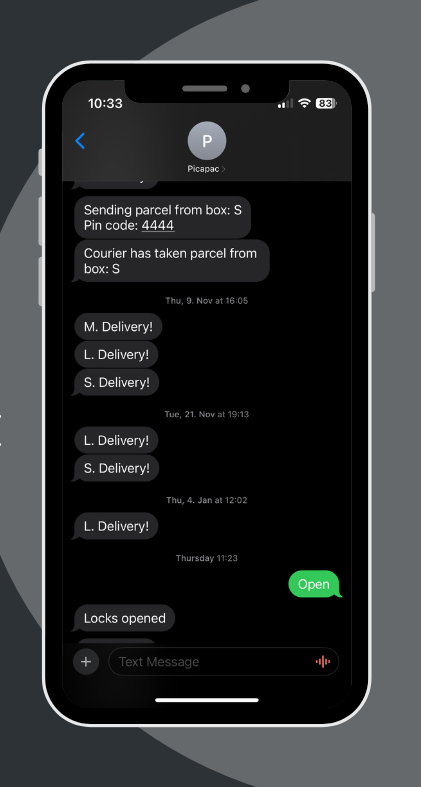
You don't need a separate app to use the Picapac home parcel locker; all communication takes place via text messages. 

Example:

  • When one of the compartments in a parcel locker is closed, you will receive a text message.
  • You can also unlock the parcel locker remotely via SMS.
  • By using the tracking feature, you can receive an SMS notification when your package is picked up from the locker.

So, if there are multiple subscribers in a household, the person who ordered the package will also be notified of its arrival. Similarly, if all three lockers happen to be locked and the package is already on its way, all other users can unlock the lockers upon receiving a call from the courier.

You can find instructions on how to add users to your smart mailbox in the bottom section of this article.


The home delivery machine is perfect for the whole family

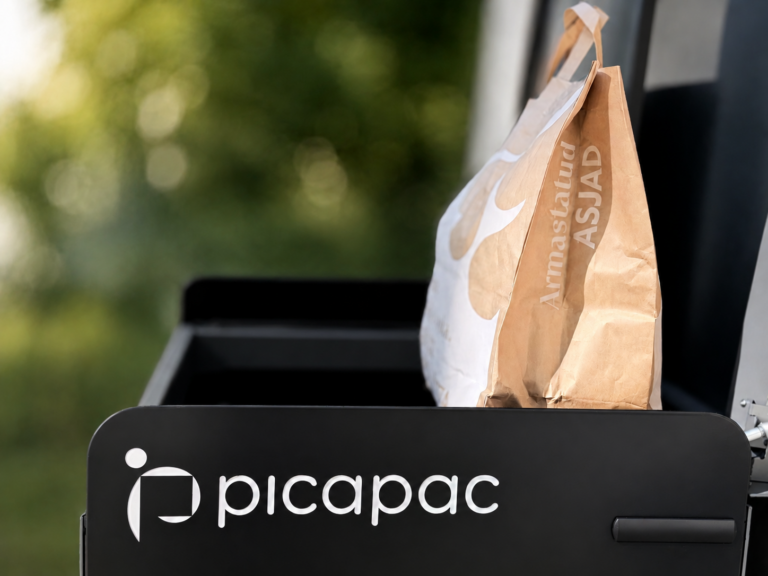
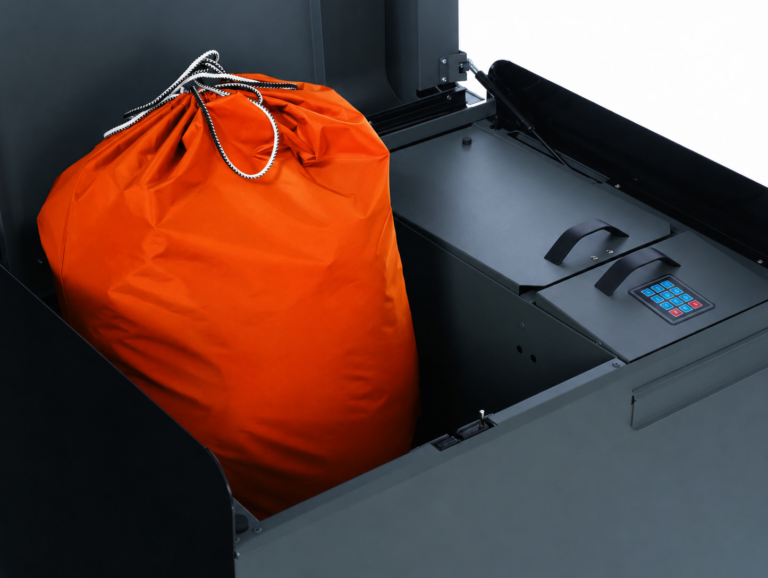
The three compartments in the home delivery locker mean that up to three different packages can be delivered during the day (if an Omniva courier has, say, three packages, they will place them all in one compartment). One shipment can also mean five grocery bags, which fit exclusively in the L compartment. This leaves room for two more shipments, which would fit in either the M or XS compartments. So the whole family can shop online with peace of mind, since the smart parcel locker can hold all their packages—even if they arrive on the same day!

You can find the sizes of the compartments in the home delivery machine on our product information page or product video!

A personal parcel locker can also be a great help to (small) businesses

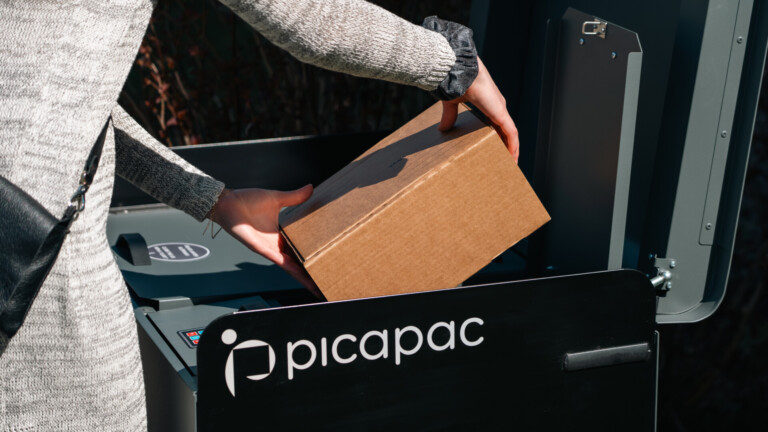
Is one of the secretary’s duties to be on call for the courier? Or can customers only pick up their packages when someone is in the office? These situations can be easily resolved by installing a Picapac parcel locker in front of the office—this smart assistant helps both receive and send out packages, 24/7!

How do I add additional users to the home parcel locker?

The Personal Parcel Locker package includes up to 5 additional users (5 + 1 primary user)

  • To add an additional user, log in Picapaci self-service
  • When a user is added, a message containing a 5-digit PIN is sent to the added number; the user must forward this PIN to you for verification.


If you have any further questions, please contact our customer service at klienditeenindus@picapac.ee. 

If you have any questions regarding the status of your package, we recommend contacting Omniva at info@omniva.ee. 

Latest News

Newsletter

Sign up for our newsletter and get the chance to try out a Picapac personal parcel locker for 3 months!

To do so, fill out the form below and we'll email you a discount code!

Email

Name